

Requests for Information
RDrive brings structure and traceability to Requests for Information, providing a digital RFI management platform that makes it easy to raise, track, and resolve RFIs efficiently, while keeping design intent and site queries clearly aligned.
Ask. Visualise. Resolve.
Manage RFIs in one clear workflow, with responses grounded in the model – not lost in emails or vague written explanations.
Clear RFI Tracking
Track every RFI from submission to response and closure, with clear ownership, status, and full traceability.
Model-Based Responses
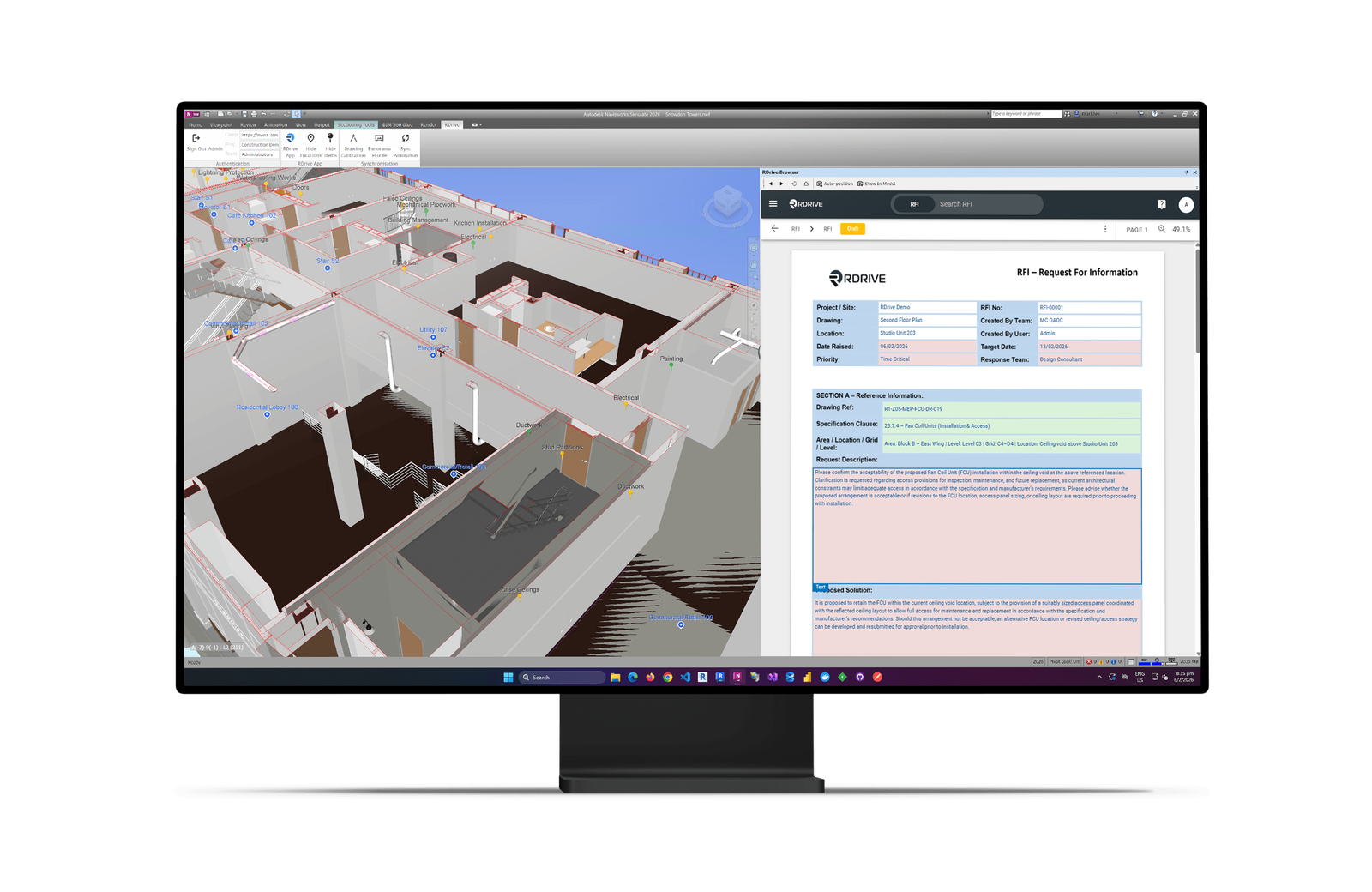
Use RDrive BIM to open RFIs directly inside Navisworks, allowing designers and BIM coordinators to respond visually using the model, views, and renders.
Fewer Misinterpretations
Replace long written explanations with clear, visual clarification – reducing ambiguity, rework, and follow-up RFIs.
Performance Visibility Across Projects
Use dashboards to monitor RFI turnaround time, bottlenecks, and efficiency – across individual projects or your entire portfolio.
How it works
Raise the RFI
Site teams or coordinators raise an RFI in RDrive, clearly defining the query and linking it to the relevant location, system, or design context.
Open in the model
Using RDrive BIM, designers and BIM coordinators open RFIs directly inside Navisworks, seeing each request in full spatial and model context.
Respond visually
Responses are created directly from the model, using views, markups, and renders to clearly explain design intent and remove ambiguity.
Track and manage workflow
Each RFI follows a clear workflow through review, response, and closure. Ownership, status, and timestamps ensure requests keep moving and nothing is missed.
Monitor performance across projects
Dashboards provide visibility of RFI volume, turnaround time, bottlenecks, and efficiency – at project level or across your entire portfolio.
Retain a trusted record
All RFIs, responses, and visual clarifications are retained as part of the project record, supporting auditability and long-term reference.