

Bring BIM on site and connect it to Live Project Delivery
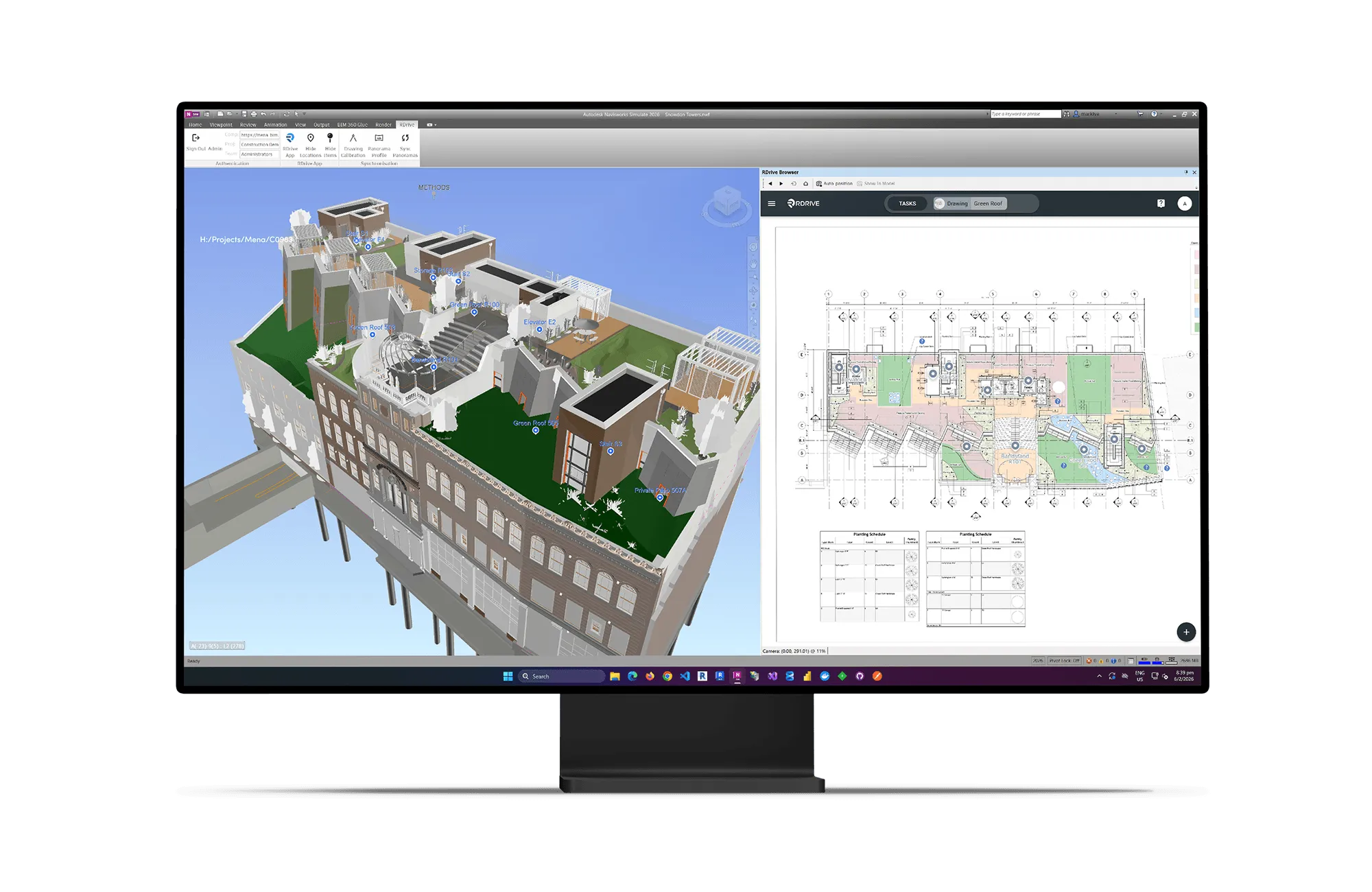
RDrive BIM connects your BIM model directly to live project delivery, keeping design intent, site activity, and decisions aligned as work progresses. Use Revit, Navisworks, or both to work alongside the model in split screen, with bi-directional links between model elements and RDrive data, allowing issues, inspections, and RFIs to be connected to precise locations and accessed in 2D, 3D, or offline on site.
Connected Workflows From Design to Delivery
RDrive BIM embeds live project data directly into Revit and Navisworks, keeping model context and delivery activity connected as work progresses. Move seamlessly between the model and site workflows, with issues, inspections, and decisions always tied back to the right location. Stay aligned, reduce interpretation, and keep intent intact.

Embedded BIM Workflows
Work directly alongside your model in Revit or Navisworks.

Bi-Directional Model Linking
Select in BIM or RDrive and see it reflected instantly.

Connected Site Data
Link issues, inspections, and RFIs to model locations.
Model-Based Context
Access drawings and information directly from the model.

Unified Team Collaboration
Keep design, site, and management aligned in one system.
How It Works
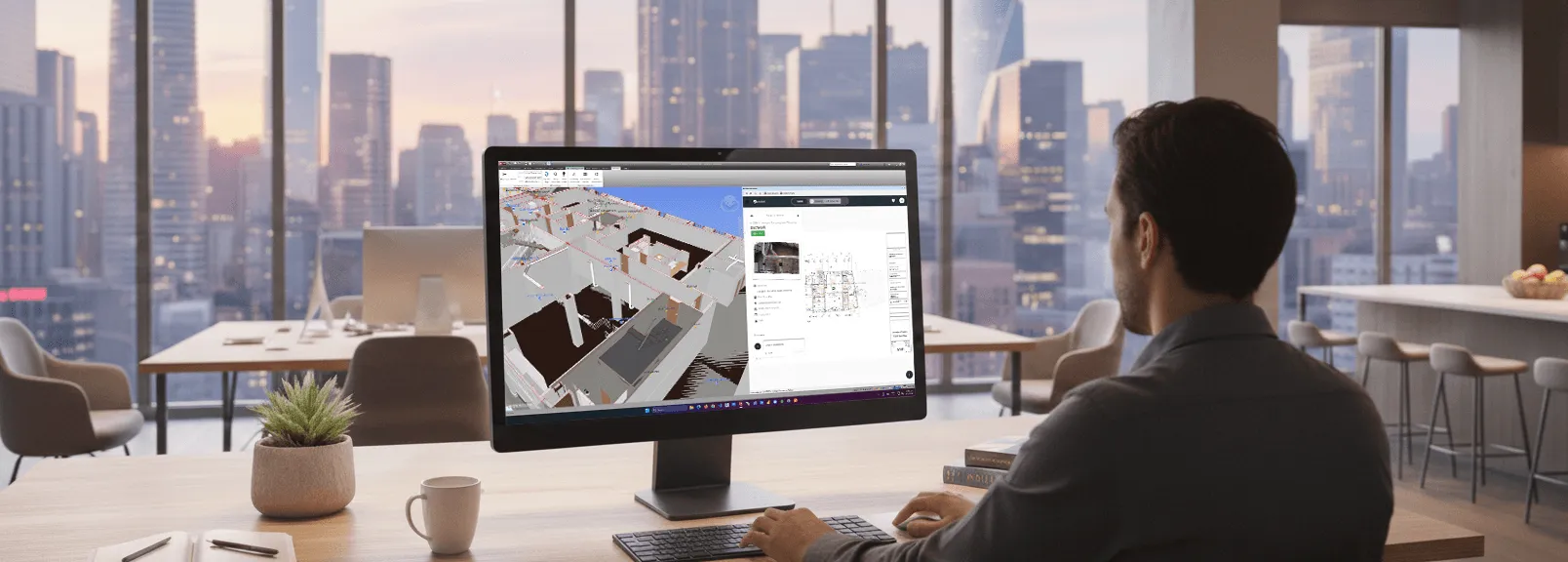
RDrive BIM connects directly to Revit and Navisworks, allowing projects to be set up from the model and keeping drawings, locations, and design context aligned. Field data captured in RDrive – such as issues, inspections, and RFIs – is linked directly to model locations and can be viewed in 2D or 3D, including offline on site.
When used alongside RDrive Progress Monitoring, those same locations can also be used to visualise progress on the model, adding a lightweight 4D view without changing how teams work. This keeps design, delivery, and verification connected, helping teams stay aligned as projects move.
Take the BIM Model to Site
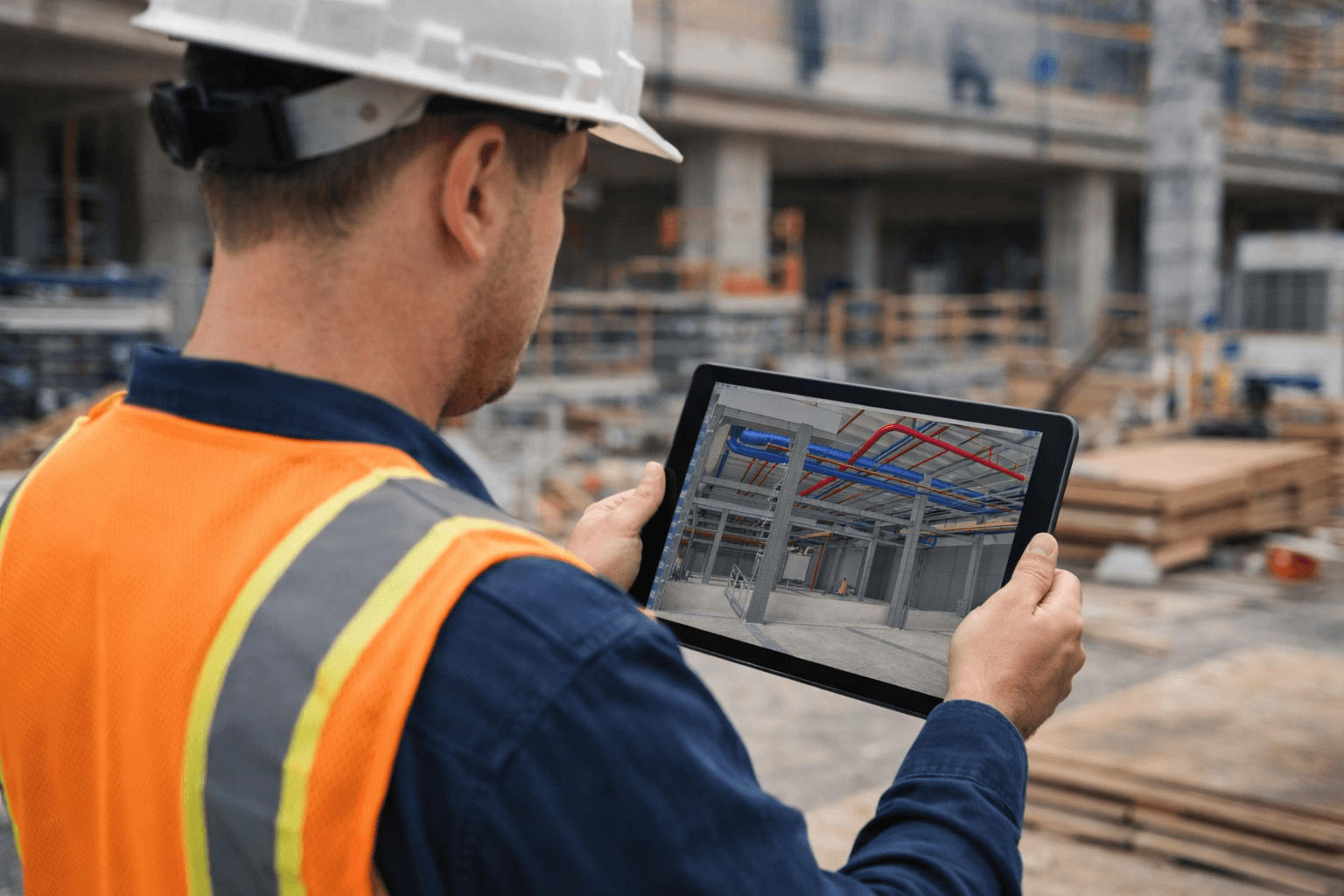
Sync 360° model renders directly from the BIM model and take them offline to site. Issues and observations stay linked to model geometry, allowing teams to compare design intent with site reality in full spatial context – without relying on static screenshots or exports.
Visualise Progress in 4D
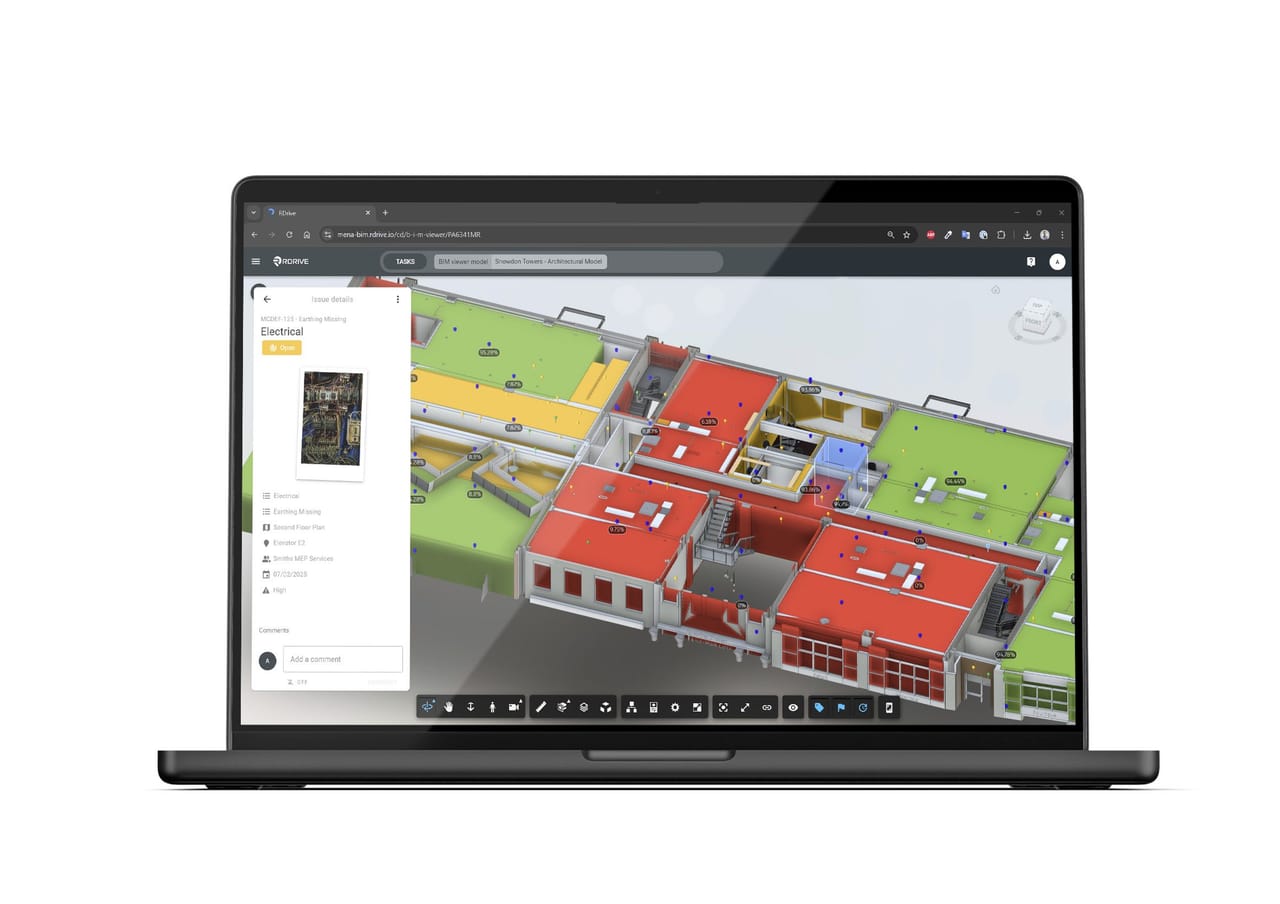
When used alongside RDrive Progress Monitoring, RDrive BIM adds a lightweight 4D view of delivery. Progress is linked to locations, and locations are linked to the BIM model – allowing construction status to be visualised directly in 3D as work is committed on site.
Because progress is driven by delivery data rather than schedules or simulations, the model reflects reality as it changes. Teams gain a clear, shared view of what’s complete, where work is progressing, and what’s still to come – without introducing additional planning overhead.
Built for Every Project Role
Site Teams
Access BIM context offline on site, with 360° model views, issues, and inspections linked to the exact location of work. Decisions are made with full spatial understanding, even when connectivity is limited.
BIM Coordinators
Stay connected to delivery by working directly inside Revit or Navisworks, placing issues, responding to RFIs, and maintaining design intent as part of live project workflows – not in isolation from site activity.
Project Teams & Consultants
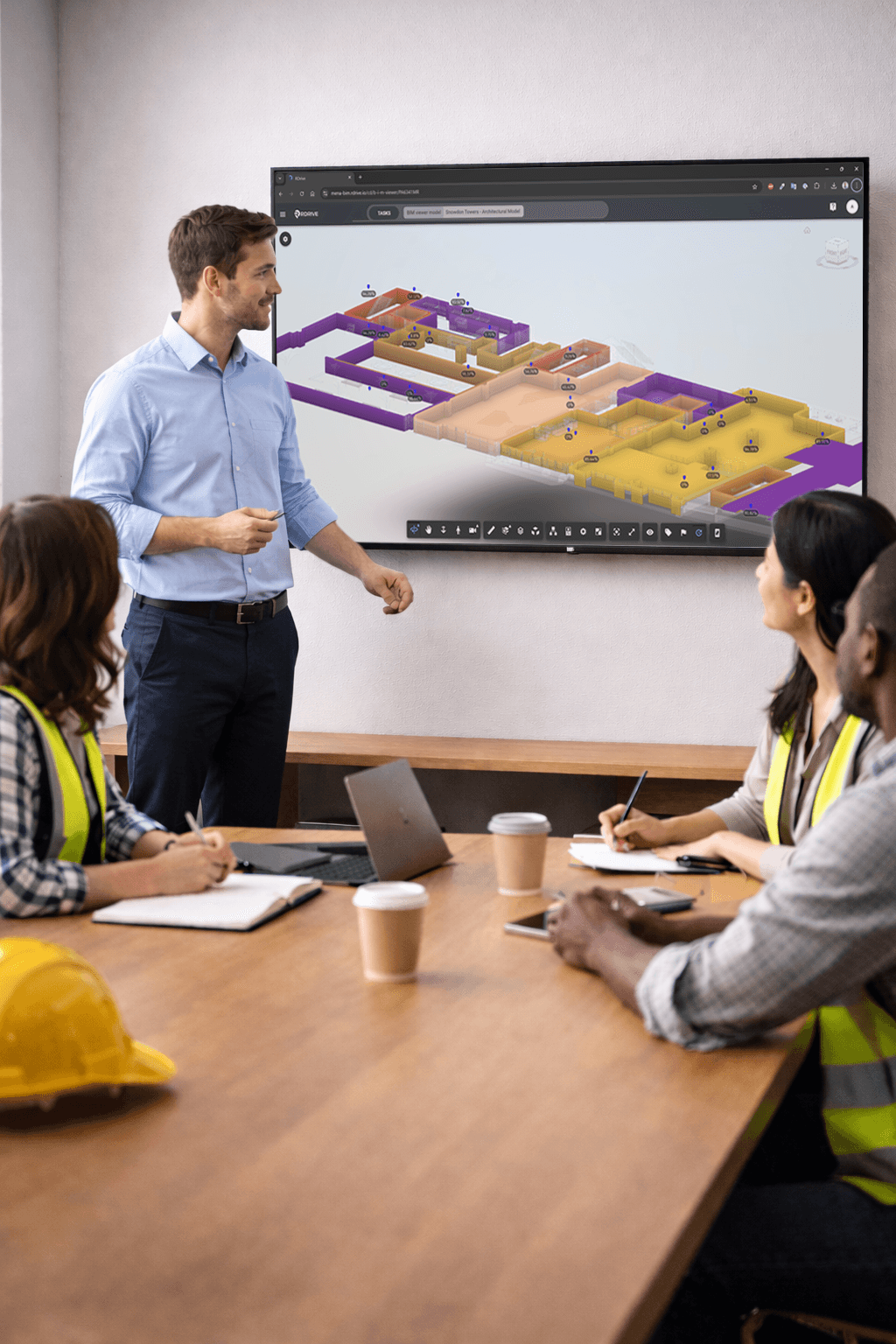
Gain a clear, shared view of delivery through 4D progress visualised on the model, helping teams understand what’s complete, what’s progressing, and what needs attention – without relying on manual reporting.
Management & Clients
See progress and status in context, with a visual, evidence-backed view of how the project is moving, supporting confident decision-making without needing to be on site.
Part of a Connected Golden Thread
RDrive BIM keeps the Golden Thread intact by connecting design intent, delivery activity, and verification to a single source of truth. Model context, site evidence, issues, approvals, and progress are all linked through shared locations, so information stays traceable and reliable as projects evolve.
Decisions can be understood, progress verified, and intent trusted – during delivery and long after handover, as assets move into operation.

FAQs
RDrive BIM connects BIM models with the live information, workflows and progress being managed in RDrive.
Rooms, areas and model elements can be linked to project locations, allowing teams to connect the model with issues, inspections, quality records, sign-offs, photographs and other field data.
This makes BIM practical beyond the design office. Project and site teams can use the model to understand what is happening, where action is required and how delivery is progressing in the real world.
RDrive BIM uses dedicated plugins for Autodesk Revit and Navisworks to create the connection between the BIM model and RDrive.
BIM teams can use Revit or Navisworks to set up the project by exporting sheets and automatically placing RDrive locations against rooms, areas, systems or assets within the model.
These locations remain linked to the model, allowing BIM teams to synchronise updates later when required. Once this connection is established, RDrive can use the model structure to support field workflows, issue management, inspections, progress monitoring and other project processes.
Yes. Site teams can continue recording issues, inspections and other project information through familiar 2D drawings and RDrive field workflows.
Because project locations are connected to the BIM model, these records can also be viewed in their correct position on the 3D model through the RDrive web platform.
This gives office, BIM and management teams a clearer spatial view of site activity without requiring field users to change how they capture information.
Yes. RDrive BIM can be introduced after construction has already begun.
Existing project drawings can be calibrated against the BIM model using three known matching points. This aligns the drawings and model, allowing information already recorded in 2D to be positioned and viewed correctly within the 3D environment.
Once calibrated, teams can connect existing locations, issues, inspections and progress records to the model without rebuilding the project from scratch. Implementing BIM earlier provides greater lifecycle value, but RDrive BIM can still deliver significant benefits when added mid-project.
RDrive BIM allows 360-degree model renders, known as BIM panoramas, to be added to locations, issues and project processes.
Site teams can access these panoramas through the RDrive mobile apps, even when working offline. They can navigate the rendered environment, understand the design intent and review relevant information without loading the full BIM model.
When the model changes, BIM teams can generate and synchronise updated panoramas directly into RDrive, helping site users stay aligned with the latest available design information.
When RDrive BIM is combined with RDrive Progress Monitoring, scheduled activities can be linked directly to rooms, areas, systems, assets or model elements.
As site teams update progress in RDrive, the 3D model can be colour-coded to show the latest status, making it easy to see what is complete, in progress, overdue or not yet started.
This gives project teams a clear visual view of planned versus actual progress, while allowing them to open each location or element to review the supporting inspections, sign-offs, photographs and field evidence.
Bring Your BIM and Field Data Together
Discover how RDrive BIM can transform your project by connecting models, data, and schedules into one seamless workflow. See how it fits your project and team.