


Capture Field Data Your Way
RDrive Field helps your team collect and manage field data with ease and flexibility. Whether on mobile or web, online or offline, you can digitise forms and track issues seamlessly – all tailored to fit the way your team works.
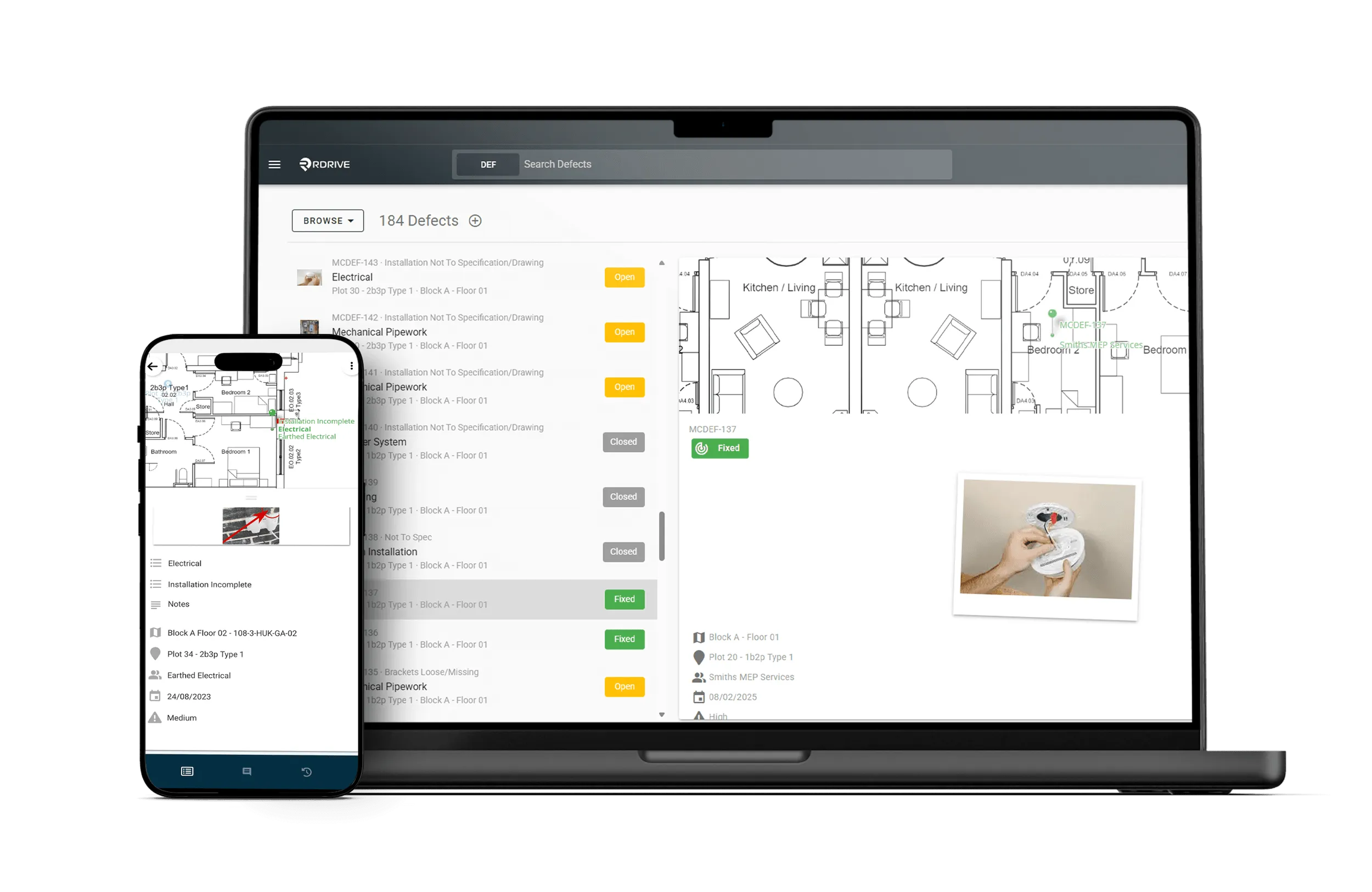
Flexible Field Workflows for Every Team

Flexible & Configurable
Adapt forms and workflows to fit your exact processes - no coding needed.

Works Anywhere
Capture data on mobile or web, online or offline, without interruption.

Faster, Accurate Data
Digitise paper forms and track issues to reduce errors and speed reporting.

Seamless Collaboration
Keep field and office teams aligned with real-time updates and alerts.

Boost Productivity
Cut manual paperwork and follow-ups to save valuable time.

Digital Processes & Issues
RDrive Field is built around two equally important elements: Digital Processes and Issues.
Digital Processes are your custom; digitised forms created from your own templates – guiding teams through structured workflows to capture specific data.
Issues (also called Action Items) offer more flexibility. They don’t require a background form template and can capture any data needed, with customisable statuses to track progress and resolution.
Customisable Workflows & Controls
Tailor every aspect of your data collection with completely customisable fields and workflows. Use conditional editing to show only what’s relevant, assign teams automatically to streamline tasks, and maintain consistency with version-controlled templates. Plus, a powerful computation engine lets you automate calculations and data transformations right within the platform.

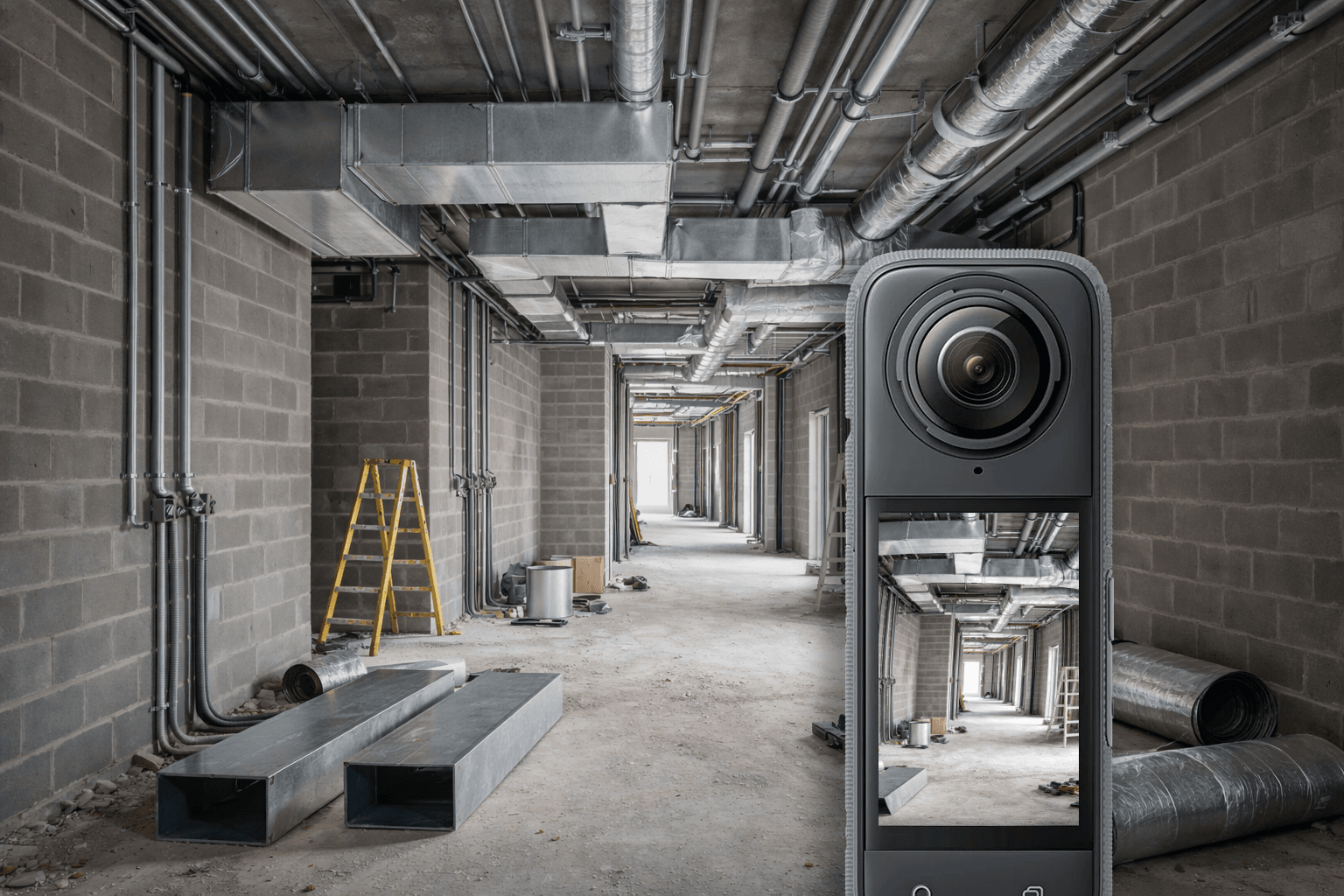
360° Photo Capture
Capture complete site context using 360° photos — online or offline — and attach them anywhere a standard photo is used across RDrive. By recording what sits beyond a single frame and comparing imagery over time or against 360 BIM renders from RDrive BIM, teams gain clearer evidence, better verification, and a more reliable audit trail.
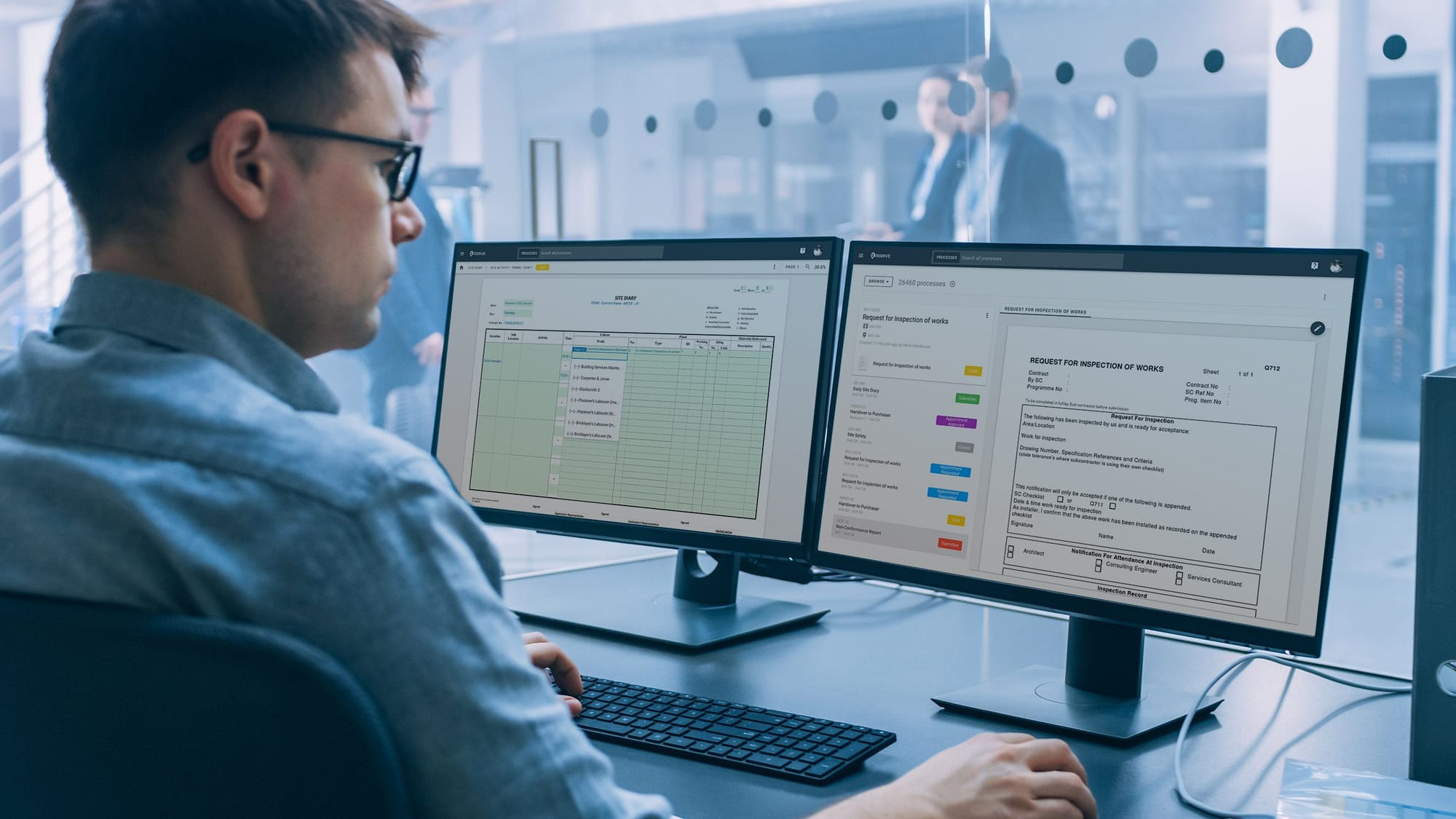
Powerful Data Management & Reporting
Find exactly what you need with unrivalled search capabilities. Generate custom reports that fit your specific needs, and export data in configurable formats to integrate seamlessly with your existing systems and workflows.
Scan Fields
Use barcode and NFC scanning to instantly connect physical assets, locations, and activities to the right digital workflows — online or offline. A single scan takes teams straight to the correct asset, inspection, or process, supporting use cases such as asset tagging and verification, scaffold inspections, COSHH checks, and quality inspections — all without searching for forms or registers. This removes ambiguity, reduces errors, and makes compliance part of how work actually happens on site.

Location-Based Data Collection
Visualise your data in the way that suits you best – whether on detailed plans, organised lists, or immersive 3D models. This spatial context helps teams understand exactly where issues or progress points are located, improving clarity and decision-making.

Integration Possibilities
RDrive offers a RESTful API optimised for seamless functional integration and efficient reporting. For deeper connectivity, our companion product, RDrive Data Bridge, automates the transfer of data between systems – ensuring your workflows stay connected and your data flows effortlessly across platforms.

Driving Our Solutions
The combination of Digital Processes and Issues forms the backbone of RDrive Field – powering the core of all our solutions. Whether you’re managing inspections, snagging, safety, or progress monitoring, these two elements give you the flexibility and structure to capture, track, and resolve every task or data point in the field. Together, they enable tailored workflows and clear accountability, no matter your industry or project size.

FAQs
Construction field management software is a core part of a construction Project Management Information System (PMIS). It enables site teams to capture, manage and track project activity digitally as work happens.
This can include quality inspections, snagging and de-snagging, testing and commissioning, safety processes, progress updates, permits, photographs and other site workflows.
RDrive Field provides configurable forms, workflows and approvals that connect site activity with the wider project record, improving consistency, traceability and visibility across teams.
RDrive Field can be configured to manage virtually any structured site process. Common use cases include quality inspections, snagging and de-snagging, testing and commissioning, safety inspections, permits to work, progress updates, audits, checklists, asset tagging and handover activities.
Forms, workflows, responsibilities and approval stages can be adapted to each project while maintaining consistent standards across contractors, projects and portfolios.
RDrive Field digitises the full quality process, from inspection and issue capture through to corrective action, verification and close-out. Site teams can complete configurable checklists, attach photographs and documents, record results against locations or assets, and assign actions to the responsible contractor.
Automated workflows route each record through the required review and approval stages, while dashboards provide real-time visibility of outstanding inspections, defects, test results and commissioning progress. Every update is recorded in a complete audit trail, helping teams demonstrate compliance and maintain control through to handover.
When combined with RDrive Progress Monitoring, these processes can also be linked to the project programme. This adds the structure needed to ensure planned inspections, tests and commissioning activities are completed, while allowing project teams, not just planners, to compare actual progress against planned progress in real time.
Yes. No two projects are completely alike, so RDrive Field can be configured to match each project’s processes, terminology, responsibilities and approval stages.
Forms, workflows, permissions, notifications and dashboards can be tailored for different use cases, including quality inspections, snagging, testing and commissioning, safety, permits and handover.
This allows RDrive to adapt to the way each project operates, while RDrive Analytics provides consistent company-wide dashboards and reporting across projects, helping organisations track performance, identify trends and maintain governance at portfolio level.
Yes. RDrive Field is designed for live construction environments and can be used offline through its Android and iOS apps, making it suitable for sites with limited mobile coverage or Wifi.
Teams can continue completing inspections, recording defects, taking photographs and updating workflows without a connection. Once connectivity is restored, the information synchronises with the central project record.
The wider RDrive platform is also fully mobile optimised, allowing users to access and update project information in real time through a web browser on smartphones, tablets or desktops.
Ready to transform how you capture and manage field data?
Discover how RDrive Field can streamline inspections, track issues in real time, and connect field and office like never before. Book a demo today and see how it can fit seamlessly into your workflows.